// NAVIGATION MATRIXSYSTEM ACTIVE
ELTHUS ENTERPRISEGLOBAL 99.99% SLA
A practical 2026 guide to choosing a POS system: cloud vs traditional POS, the features retail shops, supermarkets, restaurants and pharmacies need, real price factors, tax-ready invoices and offline billing during power or internet cuts.

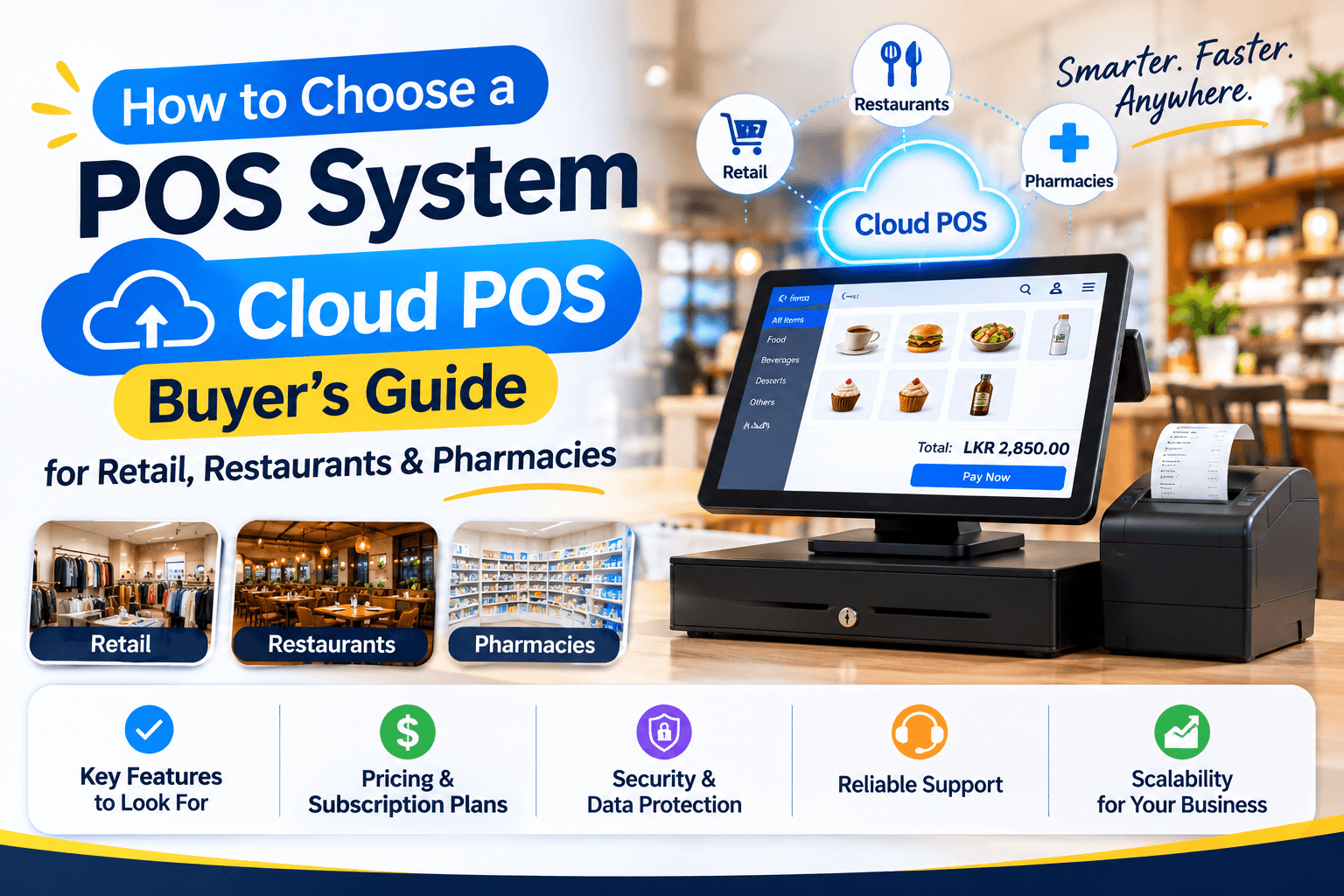
A POS (point of sale) system records every sale, prints or sends the receipt, and updates stock at the same moment. Today's POS software also manages customers and loyalty, supplier purchases, staff permissions, multiple branches and daily sales reports.
If you still bill with a calculator, an Excel sheet or a standalone cash register, the biggest gains are accurate stock, faster billing at busy times and knowing exactly what sold, when and at what profit.
Traditional POS software is installed on one computer, with the data stored on that machine. A cloud POS system stores data securely online, so owners can check sales from their phone, manage several branches and avoid losing everything when a computer fails.
The catch is connectivity. A good cloud POS keeps billing offline during internet or power interruptions, then syncs automatically when the connection returns. Ask any vendor to demonstrate this before you buy.
Unplug the router during the demo. If billing stops, or sales made offline do not appear after reconnecting, that POS will cause problems on your busiest days.
Retail and clothing stores need barcode billing, product variants (size and colour), returns and exchanges, and stock transfers between branches. Supermarkets and grocery shops need very fast billing, weighing-scale and barcode support, bulk price updates and supplier purchase orders.
Restaurant POS systems need table and takeaway orders, kitchen order tickets (KOT), split bills, service charge handling and menu modifiers. Pharmacy POS systems need batch numbers, expiry tracking and alerts, and supplier credit management. Hardware stores need units of measure, quotations and credit customers.
The best POS system for your business is the one built around your daily workflow, not the one with the longest feature list.
POS pricing usually follows one of two models: a monthly cloud subscription (often per terminal or per branch) or a one-time software licence with an annual support fee. Add-ons such as extra branches, e-commerce sync or loyalty can change the price significantly, so request current written quotes.
Hardware is a separate cost: a billing terminal or tablet, thermal receipt printer, barcode scanner and cash drawer, plus a kitchen printer for restaurants or a label printer for retail. Check whether the POS works with hardware you already own.
The fair way to compare is the total cost over three years: software, hardware, installation, training, support and any paid add-ons such as e-commerce sync or extra branches.
If your business is registered for VAT, GST or sales tax, your POS must produce invoices that meet your country's rules, and those rules change. Sri Lanka, for example, made a revised tax invoice format mandatory for VAT-registered businesses from 1 October 2026, with a structured invoice serial number and supplier and purchaser details.
Before choosing a POS, confirm it supports your current invoice format, keeps invoice numbers sequential and stores records for as long as the law requires (often five years or more). Always confirm the exact rules with your accountant, because tax requirements change.
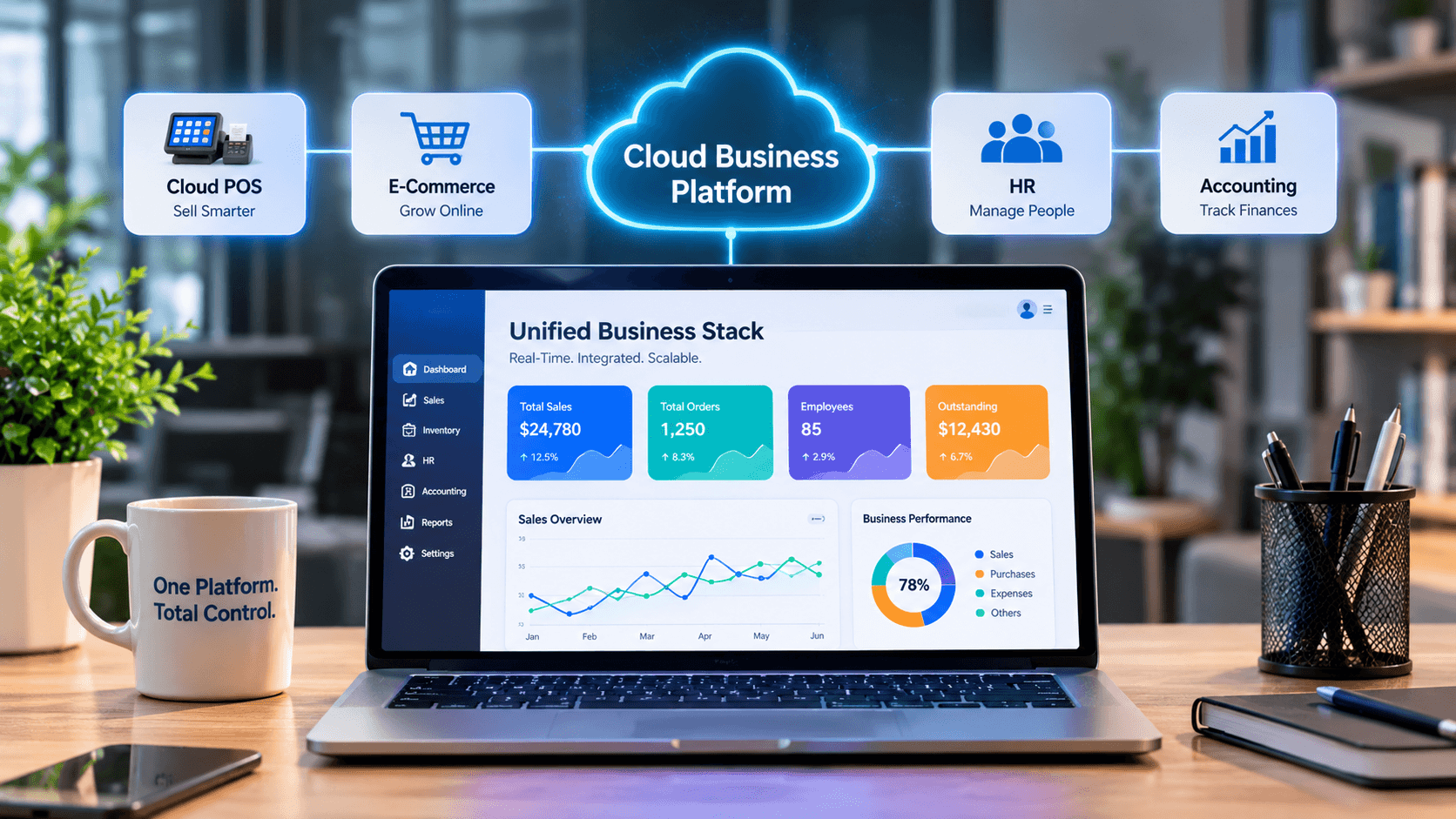
A POS system with inventory management shows live stock per branch, low-stock alerts, supplier purchases and stock transfers. If you also sell online, connect the POS and the e-commerce website to the same stock so a product sold at the counter disappears from the website automatically.
Accounting integration completes the picture: daily sales, payments and tax post straight to the books instead of being re-typed at month-end.
Cloud POS systems are usually sold as a monthly subscription per terminal or location, or as a one-time licence with an annual support fee. Hardware such as a terminal, receipt printer, barcode scanner and cash drawer is extra. Compare the total three-year cost from written quotes.
A well-built cloud POS keeps billing offline and syncs sales automatically when the connection returns. Not all systems do this reliably, so test it during the vendor demo by disconnecting the internet.
The best POS for a small business is one that matches your workflow: fast billing, simple stock control, offline mode, local support and clear pricing. A small shop rarely needs enterprise features, but it does need reliable offline billing and accurate stock.
It should if you are tax-registered. Check that the POS supports your country's current invoice format, keeps sequential invoice numbers and stores records for the required period, and confirm the details with your accountant.
Yes. When the POS and the e-commerce website share one stock database, every counter sale and online order updates the same stock count, which prevents overselling.
Cloud POS for retail stores, restaurants and multi-branch teams, with offline billing, live stock and accounting sync.

Speak with our team about custom websites, SEO and AI search setup, payment gateway integration, or business software.